It’s a Tuesday evening at half seven. You’re at home after a long day, and somewhere across town a customer is sitting on the sofa thinking, “I really need to get that service booked.” They reach for their phone, search for your garage — and there’s no way to book. So they search for the next one. And that garage has online booking.
That’s the scenario playing out every week for garages that haven’t made the switch yet.
Offering car service booking online isn’t about being trendy. It’s about capturing customers at the exact moment they’re ready to act, instead of losing them to a competitor who makes it easier. This guide walks you through exactly how to set it up, what to watch out for, and how to get your existing customers actually using it.
What you need before you start
Getting online booking live isn’t complicated, but it does require a few things to be in place. Skipping any of these creates problems later.
A clear picture of your schedule
Before customers can book online, you need to know what slots you’re willing to offer. That sounds obvious, but many garages run their days in a fairly loose way — fitting jobs in around each other, taking walk-ins, adjusting as the day goes. That flexibility is valuable, but online booking needs some structure around it.
You don’t have to schedule every minute of every day. But you do need to decide things like:
- Which hours are available for bookings (and which are kept for walk-ins or complex jobs)?
- How long should each service type block out? A full service needs more time than an oil change.
- How many bookings can you take at once? If you have two ramps and three technicians, that shapes your capacity.
Getting clear on this before you go live means customers are booking into realistic slots, not gaps you’ve guessed at.
A system that connects your booking calendar to your workshop
This is where a lot of garages go wrong. They add a booking form to their website — often a basic one from a third-party tool — without connecting it to their actual workshop diary. Bookings come in by email. Someone has to manually enter them. Things get missed.
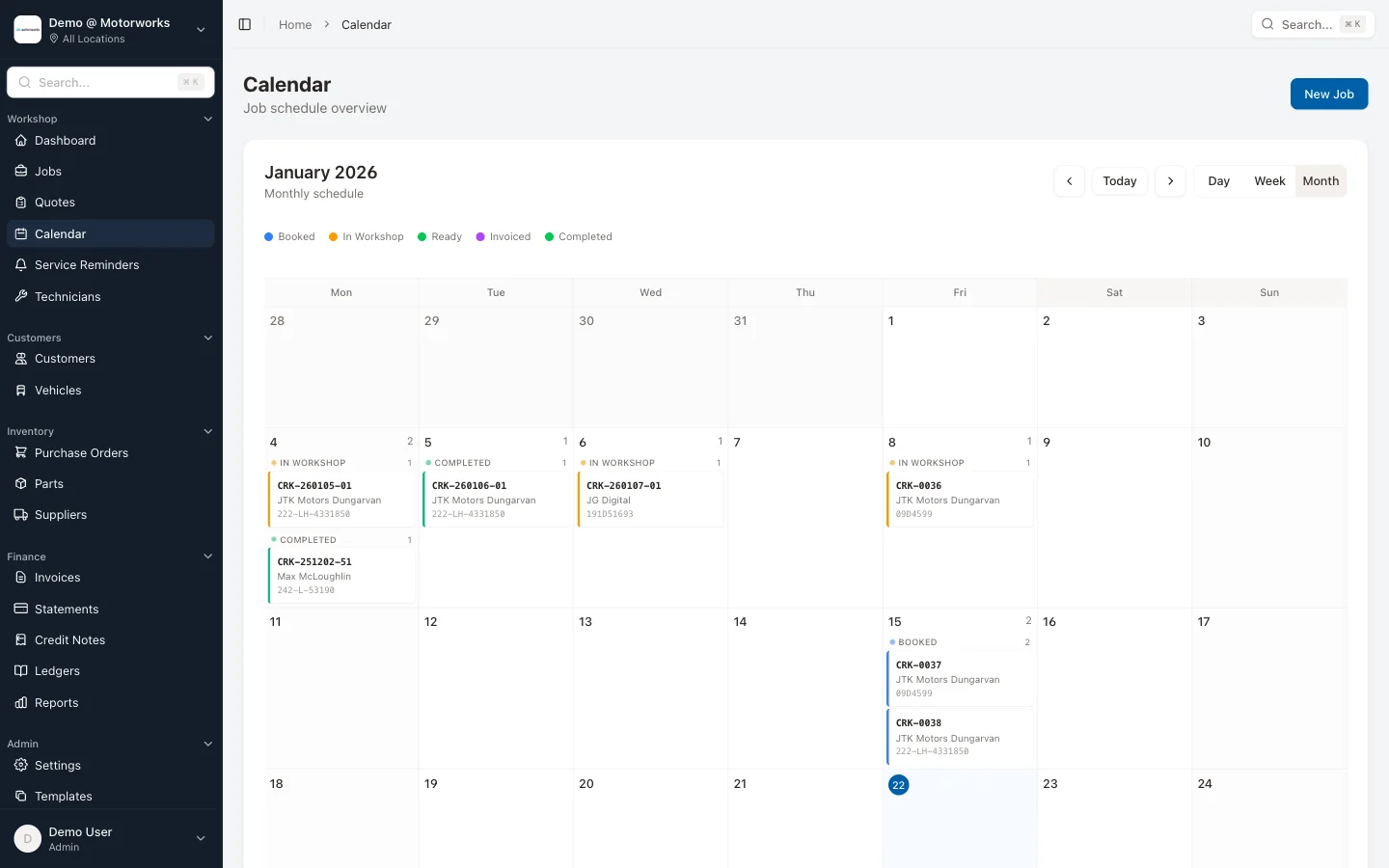
For online booking to work properly, the booking needs to flow straight into your scheduling system without anyone having to do anything. The slot should show as taken immediately. Your workshop diary and your website booking calendar need to be the same thing.
If you’re using separate tools that don’t talk to each other, you’re adding work and creating risk. Look for a garage management system that includes online booking as part of the core product, not as a bolt-on.
Customer contact details
Online booking captures customer information at the point of booking — name, phone number, email, vehicle registration. Make sure your system is set up to store this properly and connect it to the customer’s record.
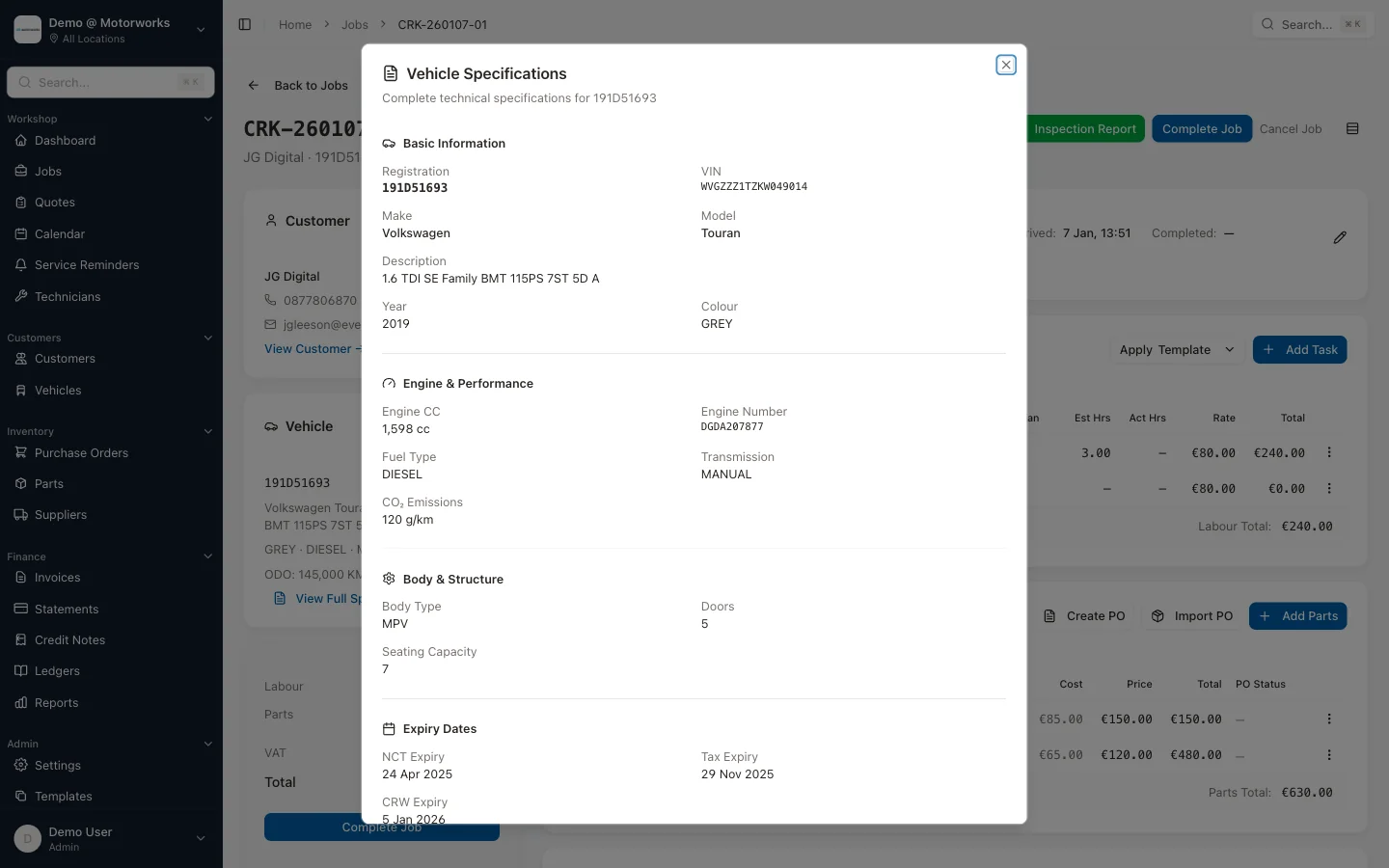
That VRN is valuable. A good system will use it to look up the vehicle details automatically, saving time and reducing errors on the job card.
Setting it up: step by step
Once you have the foundations in place, the actual setup is more straightforward than most people expect.
Step 1: Define your service types and durations
Go through every type of job you regularly take in and create a service type for each. For a typical Irish garage, that might include:
- Full service
- Oil and filter change
- NCT pre-check
- Tyres (per axle)
- Brakes inspection
- Air conditioning recharge
- Diagnostic check
For each one, set a realistic duration. Be slightly generous — a job that runs over the allocated time knocks the rest of the day sideways. If a full service typically takes two and a half hours, block out three.
You don’t have to offer every service type online. Start with the straightforward, predictable ones. Complex jobs, insurance repairs, and anything requiring a quote are usually better handled by phone. Keep online booking for the jobs where you know exactly what’s involved.
Step 2: Set your online booking hours
Decide which time slots you want to make available to online bookers. This doesn’t have to match your full opening hours. Many garages keep the first slot of the day for planned work and don’t offer it online, or they close off Friday afternoons.
You can also set buffer rules — for example, don’t accept new bookings within 24 hours, to give you time to prepare. This is especially useful if your jobs require parts to be ordered in advance.
Step 3: Get a booking link on your website and Google profile
Once your system is live, you need to actually direct people to it. At a minimum:
- Add a prominent “Book Online” button to your website homepage, ideally above the fold
- Put the booking link in your Google Business Profile — there’s a dedicated field for it
- Add it to your Facebook page if you have one
The Google Business Profile link is particularly valuable. When someone searches for your garage by name, or searches “car service [your town]”, your Google listing shows up. A direct booking link there captures people who are ready to act right now.
Step 4: Test it yourself
Before you go live, go through the entire booking flow as if you were a customer. Book an appointment. Check that it appears correctly in your workshop calendar. Check that the confirmation message looks right and contains all the relevant details.
Then cancel it and check that the slot frees up again.
This sounds basic, but small configuration issues — a service duration that’s wrong, a time zone mismatch, a confirmation email that looks like spam — are much easier to catch and fix before customers encounter them.
Getting customers to actually use it
Setting up online booking is the easy part. Getting customers to change their habits takes a bit more work.
Most of your existing customers are used to calling you. They’ll keep calling unless you give them a reason to try the alternative. Here’s how to shift behaviour without being pushy about it.
Make it part of your standard communications
Every text, email, or invoice you send to customers is an opportunity to mention online booking. It doesn’t need to be a hard sell — something simple like “You can book your next service online at any time at [link]” at the bottom of an invoice is enough. Repeated gentle exposure builds awareness.
If you use service reminders — and you should — include the booking link in every reminder. When a customer gets a text saying their car is due a service, make it as easy as possible to act on it immediately.
Mention it when customers call
When someone rings to book, take the booking — but mention that next time they can do it online any time of day or night. Not as a brush-off, but as a genuine convenience you’re offering. “By the way, you can book online too if that’s ever easier for you.” A lot of customers will switch the second time.
Use your customer portal
A customer portal lets customers see their upcoming appointments, service history, and invoices without calling you. MotorWorks’ portal uses one-time passcode login — no passwords to remember — so customers can check their records with just their phone number. When customers are already logging in to check their records, booking online feels like a natural extension. If you’re not already offering a customer portal, it’s worth adding — it increases engagement and makes your garage stickier.
Give it time
Don’t expect online booking to take over from phone bookings overnight. Even garages with excellent online booking systems typically see a gradual shift over three to six months. Some customers will always prefer to call, and that’s fine. The goal isn’t to eliminate phone bookings — it’s to capture the customers who’d rather not call, and to keep your diary full when you’re not available to answer the phone.
The impact on no-shows and revenue
Online booking isn’t just convenient — it has a measurable effect on how reliably customers show up.
When customers book online, they go through an active process. They choose their service, pick a time, enter their details, and confirm. They receive a written confirmation. This level of deliberate engagement means they’re less likely to forget the appointment.
Compare that to a phone booking where the customer jots something down on a Post-it, or simply tries to remember, and the difference becomes clear.
The bigger impact comes from automated reminders. Once a customer books online, their contact details are in the system and the appointment is in the diary. That makes it straightforward to automatically send a reminder by SMS or email the day before — or both. Customers who get a reminder the day before their appointment are significantly less likely to no-show.
We go into this in detail in our post on how to reduce no-shows with online booking, but the short version is: automated reminders can cut your no-show rate by 30-50%. On a busy workshop, that’s a meaningful amount of revenue that would otherwise be lost.
There’s also a capacity effect. Customers who want to book at 10pm on a Sunday — when your phone isn’t being answered — can now actually do it. Those bookings would previously have been lost to the gap between “meaning to call” and “remembering to call.” Online booking captures them.
Common mistakes to avoid
A few things that trip garages up when setting up online booking for the first time:
Offering too many service types. If a customer has to scroll through twenty options to find what they want, they’ll give up. Start with six to eight clear, common services. You can always add more later.
Not setting realistic durations. Underselling how long jobs take leads to overbooked days and stressed technicians. It’s better to block out slightly more time than you need than to run the day into the ground.
Forgetting to update the calendar when you’re closed. Bank holidays, staff holidays, local events — if you don’t mark these as unavailable, customers will book into them. Check your calendar regularly and block time off as soon as you know about it.
Not following up on online bookings. For new customers booking online for the first time, a quick call or text to confirm the appointment builds trust and reduces the chance of a no-show. It doesn’t need to be every booking, but for first-timers it makes a difference.
Using a booking tool that doesn’t connect to your workshop system. If you’re entering bookings manually from a separate form, the system isn’t really working — it’s just adding a step. Proper integration is essential.
How long does it take to set up?
For a garage using a system like MotorWorks, where online booking is built into the platform rather than added on, the initial setup typically takes a few hours. That includes defining your service types and durations, setting your available hours, and getting the booking link in the right places. Online bookings flow straight into your job management workflow, so there’s no re-keying or separate diary to maintain.
The configuration is straightforward, and the MotorWorks support team can walk you through it if you get stuck. Most garages are taking their first online bookings within a day or two of deciding to enable it.
The ongoing maintenance is minimal — updating your calendar when you’re closed, and occasionally adding new service types as your offering changes.
Is it right for every garage?
Online booking works best for garages doing a reasonable volume of routine, predictable work — services, tyres, brakes, NCT prep. If your work is predominantly insurance repairs, fleet contracts, or complex diagnostics where every job needs a custom quote, online booking is less central to how you operate.
But for most independent Irish garages doing a mix of routine and complex work, the routine jobs are exactly where online booking pays off. You free up time on the phone, you capture bookings outside business hours, and you reduce no-shows on the predictable work — which gives you more capacity to deal with the complex stuff properly.
Where to go from here
Setting up car service booking online doesn’t require a major overhaul of how you work. It requires a clear view of your schedule, a system that keeps your diary in one place, and a bit of patience while customers adjust to the new option.
The garages that do it well aren’t the ones with the fanciest websites. They’re the ones that put the booking link somewhere obvious, send reminders consistently, and make rebooking easy when customers need to change.
If you’re not sure where your current setup stands, the scheduling features in MotorWorks were built specifically for how Irish independent garages operate — not adapted from a system built for dealerships or other industries.
Want to see how it works in practice? Book a demo and we’ll walk you through online booking, automated reminders, and the customer portal — all in about thirty minutes. No pressure, no hard sell, just a look at whether it makes sense for your workshop.