Picture this: a driver in your town searches “garage near me” on their phone at half eight on a Wednesday evening. Your name comes up. They tap through to your website, spend about twelve seconds looking at it, and then tap back and call the garage listed below you instead.
You got the visit. You didn’t get the booking.
This is the gap most garage websites sit in — visible enough to be found, but not convincing enough to convert. If your website isn’t generating enquiries and bookings on a consistent basis, it isn’t doing its job. This guide covers exactly what to include, what to fix, and what to leave out, written for garage owners who either don’t have a site yet or have one that’s quietly underperforming.
Why most garage websites don’t generate business
Before getting into what works, it’s worth understanding why so many garage websites fail to convert visitors into customers.
The most common problem isn’t design. It’s intent. A lot of garage websites were built to exist — to give the business a web presence so the owner could say they have one. They weren’t built to do anything specific, so they don’t.
A website that gets bookings has one job: take someone who is vaguely interested and turn them into someone who has booked, called, or at least made contact. Everything on the site — every page, every piece of text, every button — should serve that goal.
The second problem is that most garage websites were built on desktop and barely work on mobile. Over 70% of local service searches in Ireland happen on a smartphone. If your site is hard to navigate on a phone, loads slowly, or has a phone number that can’t be tapped to call, you’re losing the majority of your potential customers before they’ve even read a word.
The pages your garage website actually needs
You don’t need a big website. You need the right pages done properly. Here’s what to include.
Homepage
Your homepage is doing the most important work on the site. Most visitors will land here first, and many will make their decision to stay or leave within a few seconds.
It needs to answer three questions immediately:
- Who are you? Your garage name, where you’re based, and what you do.
- Can you help me? A clear list of your main services above the scroll.
- How do I contact you or book? A phone number and a booking button, both visible without scrolling.
That’s it. Everything else — your story, your full service list, your testimonials — can live further down the page or on dedicated pages. The top of your homepage should be ruthlessly focused on those three things.
A good hook line makes a difference. “Trusted car servicing in Mullingar since 2007” or “Full-service garage covering all makes and models in south Cork” tells visitors immediately that they’re in the right place. Generic opening lines like “Welcome to our website” or “We are committed to excellence” tell them nothing.
Services page
Your services page is where visitors come to confirm you do what they need. It should list every service you offer, with a short description of each.
Don’t just list service names. Write a sentence or two about each one: what it involves, when a driver might need it, and why it’s worth doing. This does two things. It gives visitors the information they’re looking for, and it gives search engines context to rank you for specific service searches like “NCT preparation Tullamore” or “air conditioning recharge Galway.”
If you offer several distinct service categories — for example, servicing, tyres, NCT prep, diagnostics — consider giving each its own sub-page. A dedicated page for each service can rank for specific searches that a single combined page never will.
Always include a call to action at the bottom of each service description. “Book online” or “Call us to arrange” keeps the conversion path clear.
About page
People choose a garage based on trust. They are handing over their car — often their most expensive possession — and trusting you not to take advantage of them. Your about page is where you build that trust.
Write it in plain language. Tell your story honestly: when you started, who works there, what you specialise in. Include a photo of the team or the workshop. Real photos of real people do more for trust than any amount of marketing copy.
If your mechanics have SIMI membership, manufacturer training, or other certifications, list them here. If your garage has been serving the same community for a decade or more, say so. Longevity is a powerful trust signal that most garages undersell.
Avoid the trap of writing your about page as a list of abstract values. “We are committed to quality, integrity, and customer satisfaction” means nothing. “We’ve been servicing cars in Navan since 2003 and most of our customers come back year after year” means something.
Contact page
Your contact page should make it as easy as possible to get in touch. Include:
- Phone number — large, tappable on mobile
- Address with a Google Maps embed
- Opening hours — including whether you’re open on Saturdays
- Email address or contact form
- Online booking link if you have one
The Google Maps embed is often overlooked. Many customers will click through to your contact page just to get directions. An embedded map lets them navigate directly from your site without having to open a separate app.
If your opening hours differ between reception and the workshop, make that clear. Confusion about when to call versus when to drop in costs you enquiries.
Testimonials or reviews page
More on trust signals below, but having a dedicated page for customer reviews is worth considering if you have a strong collection of them. It gives the page a better chance of being found by people searching specifically for reviews of your garage, and it gives you somewhere to send prospective customers who want social proof before committing.
Mobile-first design: not optional
If your garage website isn’t fast and easy to use on a phone, nothing else on this list matters.
Most local searches for garages happen on mobile. Someone has a warning light on. Someone is sitting in a car park wondering what that noise was. Someone is at home in the evening thinking they really should sort that service. In all of these moments, they’re on a phone.
A mobile-first garage website means:
- Large, tappable buttons. Especially the phone number and any booking link. A phone number that can’t be tapped is a missed call.
- Fast loading. Pages that take more than three seconds to load on mobile lose a significant percentage of visitors before they render. Large unoptimised images are usually the culprit.
- Readable text. Body text under 16px is too small for most mobile screens. Keep it comfortable.
- Simple navigation. A visitor on mobile shouldn’t have to hunt through a cluttered menu. Three or four items maximum, with “Book” or “Contact” the most prominent.
Test your own site on a phone right now. If you find it frustrating to use, your customers are finding it frustrating too.
Google Business Profile: the site behind your site
Your Google Business Profile isn’t part of your website, but it works alongside it in a way that makes it just as important. For many garage customers, your Business Profile is the first thing they see — before they ever reach your site.
When someone searches “garage near me” or “car service [your town]”, Google displays a map pack at the top of the results. The three businesses that appear there are chosen largely based on how complete and active their Google Business Profile is.
A well-maintained profile should include:
- Complete service categories. Not just “Garage” — list “Auto Repair,” “NCT Centre” if applicable, “Tyre Shop,” and any other relevant categories Google offers.
- Your booking link. Google allows you to add a direct link to your online booking system. This is one of the highest-converting placements available to a garage, because it captures customers at the moment of peak intent.
- Photos. Exterior, workshop interior, team photos. Real images outperform stock photos every time. Aim for at least ten, and add new ones periodically.
- Your full service list. You can list individual services within your profile, and Google can display these directly in search results.
- Regular posts. A short post every week or two — a seasonal reminder, a service offer, a tip for drivers — keeps your profile active and signals to Google that your business is operating.
Keep your hours accurate. Nothing damages trust faster than a customer turning up during hours you listed as open and finding the gate locked.
Your Google Business Profile and your website work together. The profile gets you found. The website converts the visitor into a customer. Both need to be doing their job.
Online booking: capturing customers when they’re ready to act
The gap between “meaning to call” and “actually calling” is where most garage bookings are lost.
Someone decides they need a service on a Sunday evening. They think about calling Monday morning. By Monday morning, something else has come up. They forget. Three weeks later they finally get around to it, and by then they might have found another garage.
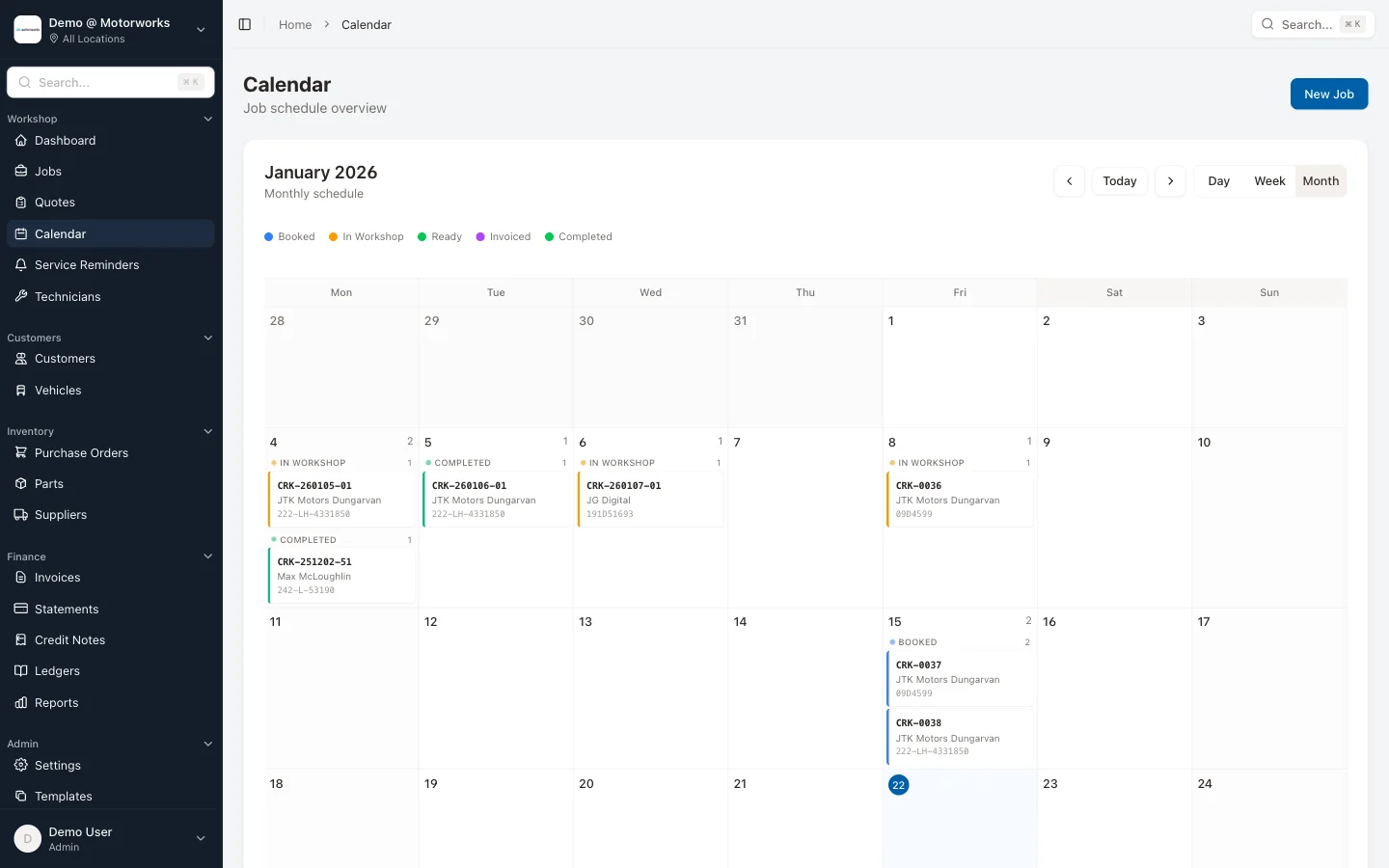
Online booking closes that gap. It lets customers commit to an appointment at the exact moment they decide to act — whether that’s a Tuesday at 11am or a Saturday at 10pm. If your only booking option is a phone call during business hours, you’re invisible to a large portion of potential customers at the moment they’re most ready to book.
Getting online booking right on a garage website means a few things:
The button needs to be obvious. Not buried in the contact page or hidden in a menu. A clear “Book online” button in the header of your site, visible on every page, is the standard. If a visitor has to look for how to book, many of them won’t bother.
The booking flow needs to be simple. Customers should be able to select a service, pick a time, enter their details, and confirm — in under two minutes. Every extra step loses some percentage of people. Asking for too much information up front is one of the most common reasons online booking converts poorly.
It needs to connect to your workshop diary. A booking form that fires off an email you then manually enter is not really online booking — it’s an extra admin task dressed up as automation. Proper online booking writes directly into your scheduling system, updates your diary in real time, and sends the customer an automatic confirmation. No manual entry, no risk of double-booking. For garages running multiple locations, the booking should route to the correct site automatically.
Confirmation messages matter. A customer who books online and receives nothing feels uncertain about whether the booking went through. A clear confirmation — ideally by both email and SMS — gives them confidence and dramatically reduces no-shows.
Our guide to setting up online booking for your garage covers the full process in detail, including how to structure your service types and durations so the calendar works properly from day one.
Trust signals: what convinces people to choose you
A first-time visitor to your garage website doesn’t know you. They have no reason to trust you yet. Trust signals are the elements on your site that do the convincing.
Customer reviews
Google reviews displayed on your website are among the most effective trust signals available. Pull in your most recent, most detailed positive reviews and feature them prominently — on the homepage, on the services page, anywhere a new visitor is making a decision.
The most convincing reviews are specific. “They fixed my car” doesn’t build trust the way “They found the fault in twenty minutes that two other garages missed, and had it ready by lunch” does. If you’re asking customers for reviews, encourage them to be specific about what was done and how the experience felt.
Aim to display at least five or six reviews on the site, and refresh them periodically. A page full of reviews from 2021 suggests you’ve stopped caring. Recent reviews signal an active, trusted business.
Certifications and memberships
SIMI membership, manufacturer training certificates, and specialist qualifications are trust signals that most garages display too timidly — usually a small logo buried in the footer. These credentials matter to customers who are choosing between garages they know nothing about. Put them on your homepage and your about page, with a sentence explaining what they mean in practice.
If you specialise in particular vehicle makes, say so clearly. “Specialist in German vehicles — VW, Audi, BMW, Mercedes” is a statement that will speak directly to the right customers and help you stand out.
Years in business and local presence
Longevity is undervalued as a trust signal. A garage that has been operating in the same location for fifteen years has survived because customers keep coming back. That’s a powerful implicit endorsement. State it clearly.
Local specificity also builds trust. Mentioning the name of your town, the area you serve, or the community you’re part of makes your website feel real rather than generic. A garage website that could belong to any business anywhere feels less trustworthy than one that is clearly rooted in a specific place.
Clear pricing or pricing transparency
You don’t have to publish a full price list, but indicating a ballpark on common services — “Full service from €149” or “NCT pre-check from €49” — removes uncertainty and increases the likelihood of a visitor making contact. Garages that show no pricing at all leave customers wondering whether they can afford it, which is often a reason not to call.
Common mistakes that cost garages bookings
Knowing what to include is half the job. Knowing what to avoid is the other half.
A phone number that isn’t tappable. On mobile, your phone number should be a link that opens the dialler. If it’s just text, a significant proportion of mobile visitors won’t call.
No call to action at the end of pages. Every page should end with a clear next step. “Ready to book? Call us on [number] or book online here.” Visitors who reach the bottom of a page without being told what to do often just leave.
Homepage that leads with your history instead of your offer. Your story matters, but not in the first paragraph. Lead with what you do and who you serve. Save the history for the about page.
Contact forms with too many required fields. Every extra field reduces completions. Ask for name, phone number, and a brief description of the job. That’s usually enough to make contact. You can get the rest when you call them back.
Outdated information. Wrong opening hours, a disconnected phone number, services you no longer offer, prices from three years ago. All of these damage trust and waste your time fielding enquiries you can’t fulfil. Treat your website like your forecourt — keep it maintained.
No social proof above the fold. A star rating or a single standout review near the top of your homepage tells new visitors immediately that other people trust you. Most garage websites leave this out entirely.
Putting it together: what to build first
If you’re starting from scratch or rebuilding a site that isn’t working, a simple five-page website done properly will outperform a complicated one done poorly every time.
Build in this order:
- Homepage — clear offer, phone number, booking link, a handful of reviews
- Services page — every service you offer, with short descriptions and calls to action
- About page — your story, your team, your qualifications
- Contact page — phone, address, map, hours, booking link
- Testimonials or reviews — once you have enough to fill a page
Once the core site is live and generating enquiries, you can think about adding individual service pages to rank for more specific searches, a blog to build authority over time, and more sophisticated integrations.
The site doesn’t need to be complex. It needs to be clear, fast on mobile, easy to navigate, and connected to a booking system that actually works. If you want more context on where a website fits into your broader marketing approach, the post on garage marketing on a budget covers how your site works alongside your Google Business Profile, reviews strategy, and customer communication.
How your website and your workshop software should connect
One thing that’s worth saying plainly: your garage website and your workshop management system should work together.
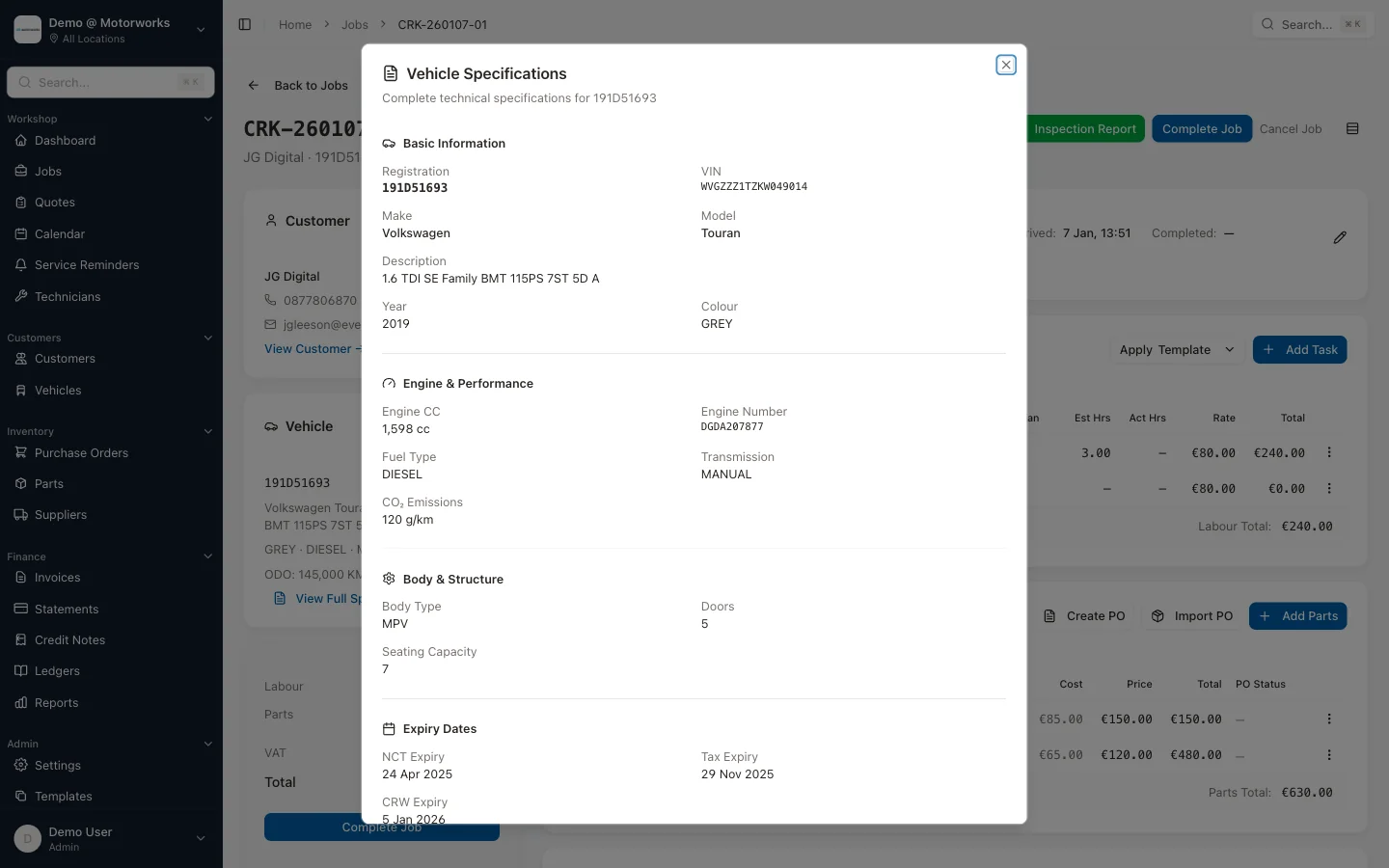
A website that books customers into a separate calendar, which you then have to manually transfer into your main system, creates work and introduces error. A website where the “Book Online” button connects directly to your scheduling system — and customers can log into a customer portal to see their history, approve quotes, view invoices, and check upcoming appointments — creates a seamless experience that makes customers feel looked after and makes your life easier.
When someone books online, their details should appear immediately in your workshop diary. When they come back six months later, their vehicle history should already be there. When their service is due, your system should be able to send service reminders automatically.
That kind of connected setup isn’t complicated to achieve, but it does require your tools to be integrated rather than running in parallel. For a deeper look at what customers now expect from their garage’s digital experience, the post on what car owners want from a customer portal covers this from the customer’s perspective.
A garage website that gets bookings doesn’t need to be expensive or elaborate. It needs to answer the right questions quickly, work properly on a phone, give new visitors a reason to trust you, and make it easy to take the next step. Get those things right, and the bookings follow.
Want to see how online booking and customer management work together in practice? Book a demo and we’ll walk you through how MotorWorks connects your website booking, workshop diary, customer portal, and automated service reminders in one place. No hard sell — just a look at whether it makes sense for your garage.