A customer pays, you hand them a receipt. Simple enough. But that slip of paper — or that PDF you email over — is a legal document as far as Revenue is concerned. Get it wrong and you’re looking at VAT headaches, missing records, and customers who don’t take you seriously.
If you’re still writing invoices by hand or improvising in Word, this guide will help you do it properly. You’ll find everything you need to create a compliant mechanic invoice template, understand what Revenue actually requires, and decide whether a template is the right long-term solution for your garage.
What Irish law requires on every garage invoice
Revenue sets out specific requirements for what a valid VAT invoice must contain. These aren’t suggestions — if you’re VAT registered, your invoices must include all of them. And if you’re not VAT registered, you’re still expected to issue clear receipts that document the transaction.
For a full legal breakdown, see our detailed post on garage invoicing and Irish law requirements.
Here’s what must appear on every invoice you issue:
Mandatory fields for VAT-registered garages
- Your business name and address — the trading name you’re registered under, plus your full address
- Your VAT registration number — in the format IE followed by 7 digits and a letter, e.g. IE1234567W
- Invoice date — the date the invoice is issued, not the date work was done (though these are often the same)
- A unique invoice number — sequential, with no gaps. Revenue can and do ask to see that your numbering is consistent
- Customer name and address — for trade customers (B2B), their full details are required; for private customers you should still record their name
- Description of goods and services — what you actually did. “Service” is not enough. “Full service — 2019 Toyota Corolla 1.2 petrol (engine oil 5W-30, oil filter, air filter, cabin filter, brake fluid test)” is the standard to aim for
- Net amount for each line — the amount before VAT, broken down by labour and parts separately
- VAT rate applied — typically 23% on parts and labour in the Republic of Ireland
- VAT amount — the actual euro amount of VAT charged
- Total amount including VAT — what the customer pays
If you carry out work across multiple VAT rates (which is uncommon but can happen), each rate and amount must be shown separately.
What about non-VAT-registered garages?
If your turnover is below the VAT threshold (currently €37,500 for services), you don’t charge VAT. But you still need to issue receipts that show:
- Your business name and contact details
- Date of service
- Description of work carried out
- Vehicle registration
- Labour and parts listed separately
- Total charged
Even without VAT, clear documentation protects you if a customer disputes work or if Revenue ever reviews your records.
What a good garage invoice layout looks like
The format matters as much as the content. An invoice that’s hard to read leads to payment delays, disputes, and a poor impression. Here’s a layout that works for most Irish workshops.
Header section
[Your Garage Name]
[Street Address, Town, County, Eircode]
[Phone Number] | [Email Address]
VAT Reg: IE[your number]
Invoice details block
INVOICE

Invoice No:  INV-2026-0147
Invoice Date: 20 March 2026
Due Date: 3 April 2026

Customer:
[Customer Name]
[Address]
Vehicle section
Vehicle: 2021 Ford Focus 1.5 TDCi
Registration: 211-D-12345
Mileage at service: 54,320 km
This section earns its place. It links the invoice to a specific vehicle on a specific date, which matters if a customer queries the work later, and it gives you a record for the vehicle’s service history.
Line items
| Description | Qty | Unit Price | Total |
|---|---|---|---|
| Labour — Full service | 1.5 hrs | €80.00 | €120.00 |
| Engine oil 5W-30 (5L) | 1 | €32.00 | €32.00 |
| Oil filter | 1 | €12.00 | €12.00 |
| Air filter | 1 | €18.00 | €18.00 |
| Cabin filter | 1 | €22.00 | €22.00 |
Totals block
Subtotal (ex VAT):    €204.00
VAT @ 23%:             €46.92
Total Due:            €250.92
Footer
Payment due within 14 days.
Bank transfer: [IBAN]
Cheque payable to: [Garage Name]

Thank you for your business.
Three template formats worth using
Depending on how your garage operates, one of these will suit you better than the others.
Word or Google Docs template
The simplest starting point. Create a document with your garage header, save it as a template, and duplicate it for each new invoice. Good for very low volumes — perhaps five to ten invoices a week.
The problem: every invoice requires manual input. Invoice numbers need to be tracked separately. Calculating VAT by hand introduces errors. And finding old invoices means hunting through folders of saved files.
Excel or Google Sheets template
A step up. You can build in formulas to calculate VAT automatically, track invoice numbers in a running list, and filter by date or customer. Works reasonably well up to around twenty invoices a week before it starts to creak.
The problem: nothing is connected. Your parts costs, job cards, and invoices live in separate places. You can still undercharge without realising it, and a VAT return means manually totalling columns that might have errors buried in them.
Purpose-built PDF template
A designed PDF that you fill in digitally or print and handwrite. Looks more professional than a Word document. Some garages use these with carbon copy books for cash customers.
The problem: same as handwriting — no calculation, no tracking, no history.
Where templates fall short
Templates work. For a small garage doing a handful of invoices a week, they’re perfectly adequate. But there’s a ceiling, and most garages hit it sooner than they expect.
Here’s what templates can’t do:
Connect to job cards. When you’re building an invoice from a template, you’re manually transferring information that already exists somewhere — on a paper job card, in a text message, in your head. Every transfer is a chance for an error. Parts that didn’t make it onto the invoice. Labour hours that got rounded down. Time spent on diagnosis that nobody thought to charge for.
Track what’s outstanding. Once an invoice leaves your hands, a template gives you no way to know whether it’s been paid. You have to maintain a separate list, check it regularly, and remember to follow up. At any reasonable volume, this is a job in itself.
Enforce numbering. Sequential invoice numbering sounds simple until you’ve got three people creating invoices in different places. Gaps in your numbering sequence are a red flag for Revenue.
Calculate VAT reliably. Even with a formula in a spreadsheet, there’s always the risk that someone overrides a cell, applies the wrong rate, or the formula breaks when the sheet is reformatted.
Give you any financial visibility. A folder of invoice files tells you what you charged. It doesn’t tell you which jobs were profitable, which customer is slow to pay, or what your margins look like by service type. That’s where profitability reports come in — but only if your invoicing data is connected to the rest of your workshop workflow.
For more on what proper financial tracking looks like for Irish workshops, read our guide on garage accounting software for Irish workshops.
The step beyond templates: invoicing built into your garage software
When invoicing is part of your garage management system, the problems above disappear — not because someone solved them with a clever spreadsheet, but because the information only needs to exist once.
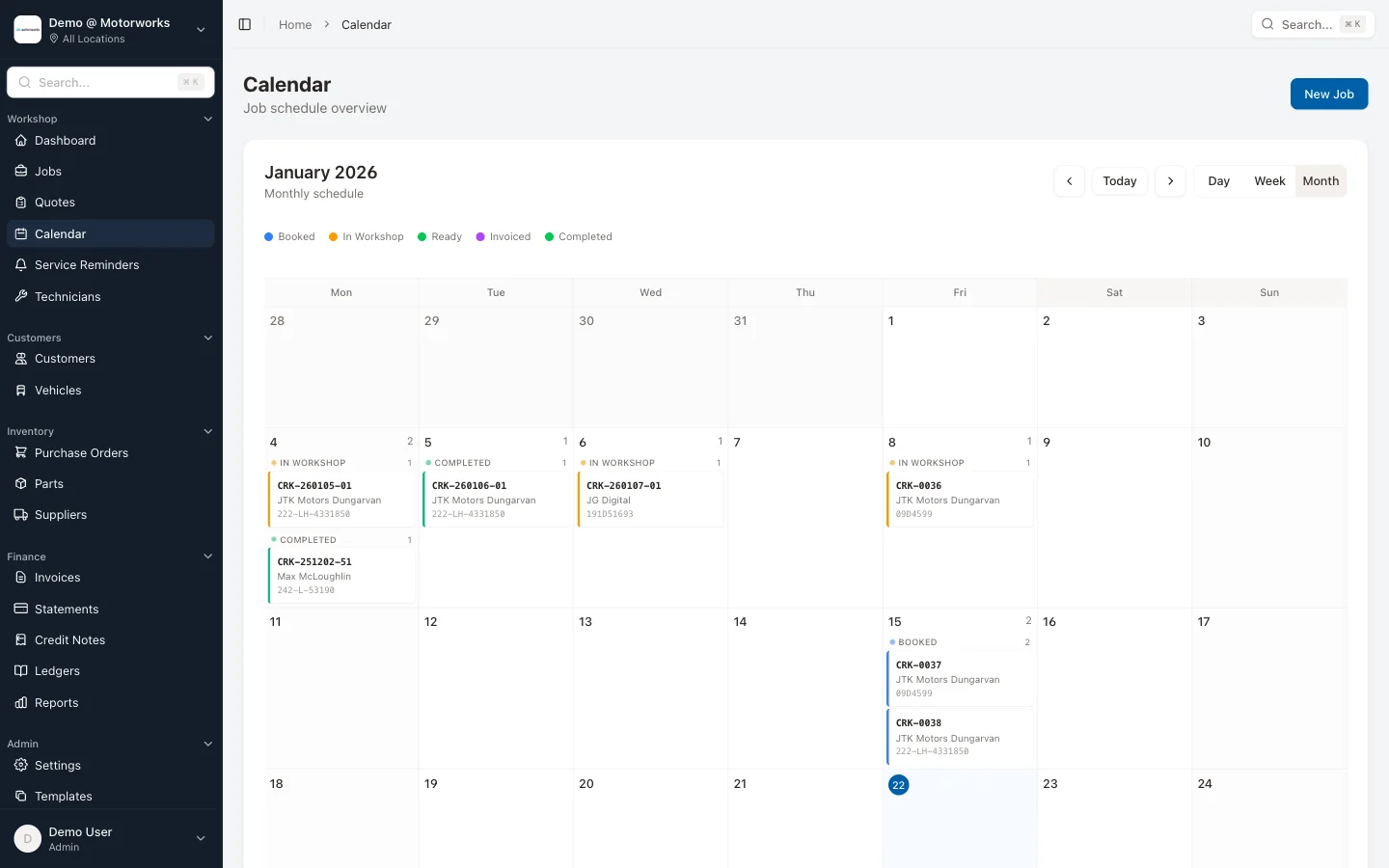
You record what you did on the job card. The parts you used are logged as you order them. Labour time is tracked as it happens. When the car’s ready, the invoice is already built. You review it, send it, and it appears automatically in your outstanding invoices list.
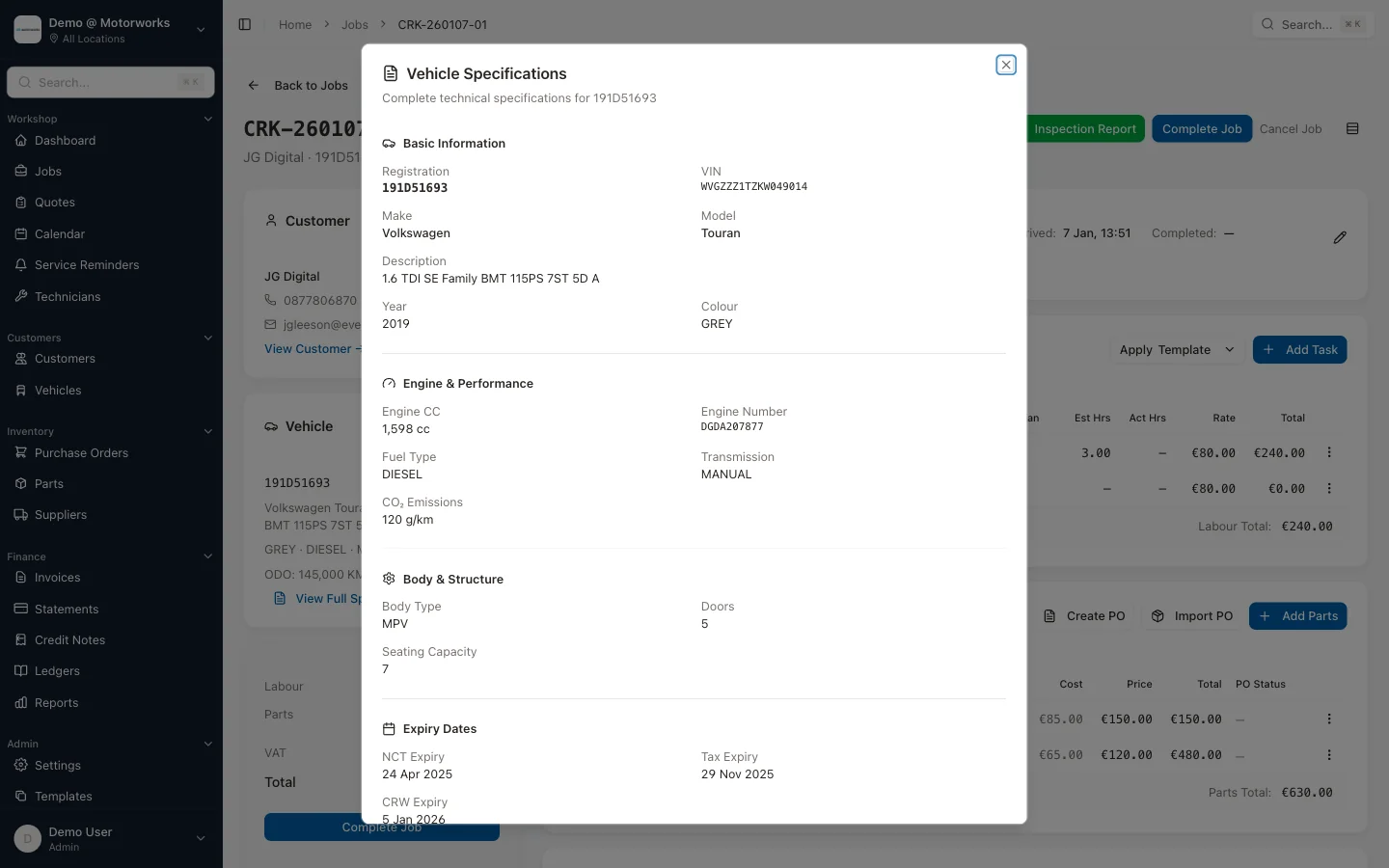
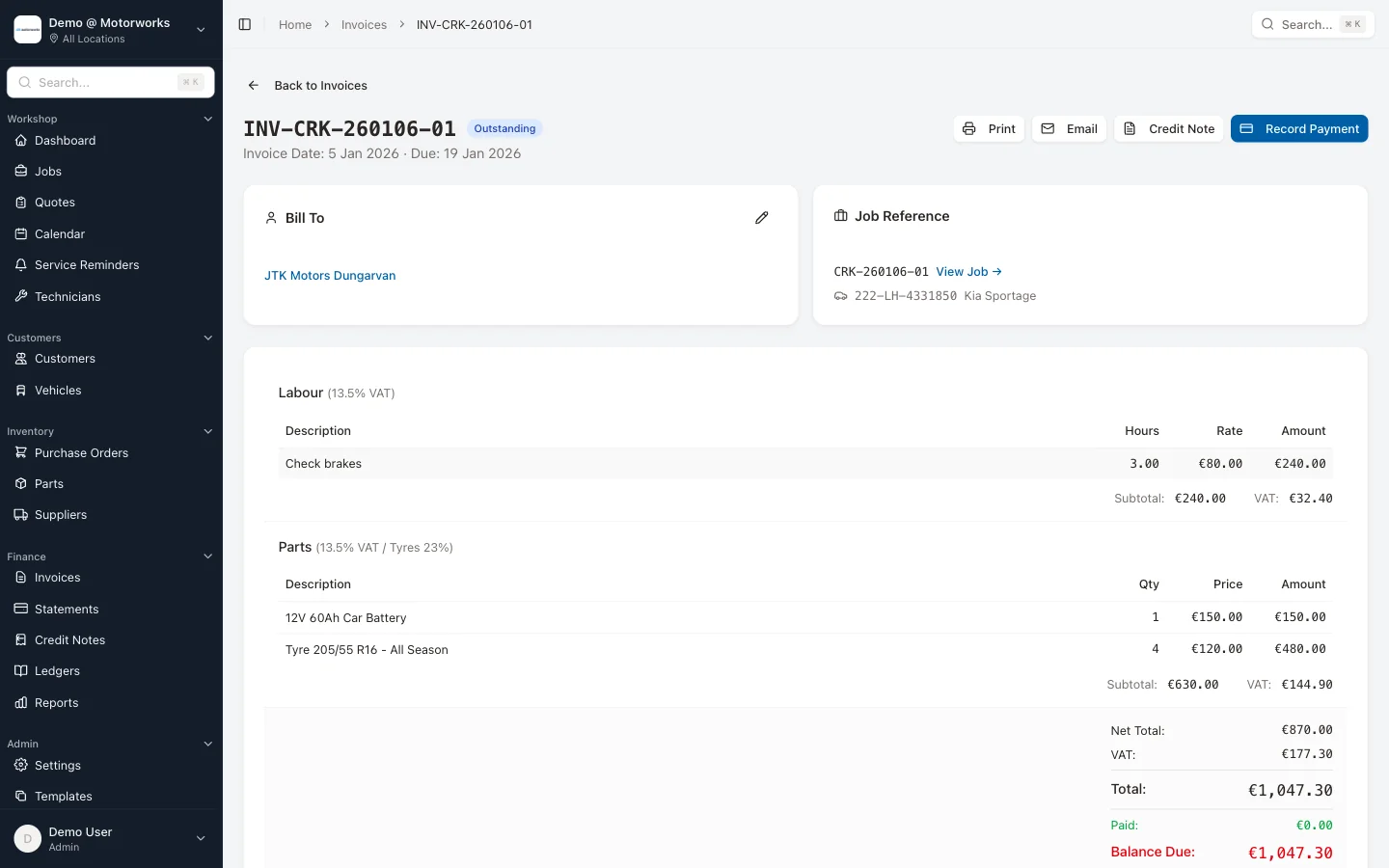
MotorWorks invoicing works this way. Labour and parts from the job card flow straight to the invoice — or you can convert a quote to an invoice in one click. VAT is calculated correctly. Invoice numbers are generated in sequence. Partial payments are tracked, so you always know what’s outstanding. When the customer pays, the invoice is marked as settled and the payment is recorded. Invoices can be emailed as professional PDFs directly from the system.
No retyping. No mental arithmetic. No Sunday evening invoicing sessions.
If you need to follow up on outstanding amounts, statements and credit notes let you send professional account statements to customers with balances — one at a time or in bulk. When you need to correct an error or issue a refund, credit notes are issued properly, linked to the original invoice, numbered correctly, and ready for your accountant. Customers can also view and pay their invoices through the customer portal — no phone calls, no chasing.
Practical tips for invoice management right now
Whether you’re sticking with templates for now or moving towards software, these habits will save you grief:
Keep a master invoice log. A simple spreadsheet with invoice number, customer, amount, VAT, date sent, and date paid. Update it every time you issue or receive payment. This is your safety net for VAT returns.
Use a consistent folder structure. Year > Month > Client. Every invoice in the right folder, saved with the invoice number as the filename. Makes finding old invoices take seconds instead of minutes.
Issue invoices the same day work is completed. Not the following week. Same day, while the details are fresh. Late invoices look unprofessional and give customers a reason to delay payment.
Separate labour and parts on every invoice. Even if you don’t break it down further, this split makes your records cleaner and makes it easier to spot if something’s wrong.
Store copies for at least six years. Revenue can audit you for up to six years back. Digital copies count — a PDF in cloud storage is fine — but you need to be able to produce them.
Choosing the right approach for your garage
Use a template if you’re invoicing fewer than ten jobs a week, you’re just starting out, or you need something in place immediately before you implement proper software.
Move to garage management software when invoicing is taking meaningful time, when you’ve had issues with errors or missed charges, or when you want visibility into what your business is actually earning.
The template gives you compliance. The software gives you control.
If you want to see what invoicing looks like when it’s fully integrated with job management, payments, and financial reporting, book a demo and we’ll walk you through it with a real garage workflow — not a sales pitch.