It’s Thursday evening. You’ve spent an hour in the workshop system invoicing the week’s jobs — parts, labour, VAT, all the line items. Then you sit down at the desk and do it again. Same invoices, same amounts, same VAT. Into Big Red Cloud.
Two systems. Two entries. Double the time, double the chances for something to go wrong.
If you recognise that pattern, you’re not alone. Most Irish garages that use dedicated accounting software end up doing this — entering the same financial data twice because their workshop system and their accounts package don’t talk to each other. This guide explains how to fix that, and what changes when your garage management software connects directly to Big Red Cloud.
What Big Red Cloud covers
Big Red Cloud is one of the more common cloud accounting packages in Ireland. A lot of Irish accountants and bookkeepers already know it, which means your accountant can work in a system they’re familiar with — and that’s often the main reason garages end up using it.
What it handles:
- VAT returns. VAT3 return format, dual rates (23% and 13.5%), Revenue-compliant reporting.
- Bank reconciliation. Connect your bank account and reconcile transactions directly.
- Supplier management. Purchase ledger, supplier payments, aged creditors.
- Accountant access. Your accountant can log in, run reports, and pull figures for your annual return directly.
- Payroll. PAYE, PRSI, and USC for garages with employees.
What it doesn’t do for garages
Big Red Cloud is general-purpose accounting software. It’s not built for workshops. That means it has no concept of:
- Job cards linked to invoices
- Purchase orders tied to specific jobs for real margin visibility
- Labour time tracked against technicians and jobs
- Vehicle history, VRM lookup, or service scheduling
- Technician productivity and per-job profitability reports
- Customer portal for self-service quote approval and invoice viewing
- Car sales tracking with per-vehicle P&L
These aren’t criticisms — Big Red Cloud isn’t trying to be workshop software. But it means garages who only use Big Red Cloud are missing the operational layer entirely. They can see revenue and costs at the business level, but not which jobs made money, which technicians are most productive, or what margin they actually made once parts costs are accounted for.
The combination of both systems — garage management software for operations, Big Red Cloud for accounts — means data only needs to be entered once.
The double-entry problem in practice
Here’s what the typical unconnected workflow looks like for a garage using both systems:
In your workshop system, you create a job card. Parts are ordered, time is tracked, the job is done. You convert the job card to an invoice. You send it to the customer.
Then in Big Red Cloud, you create a sales invoice for the same amount. Same customer name. Same line items. Same VAT breakdown.
That’s one transaction entered twice. On a busy week with forty invoices, that’s forty duplications — plus the inevitable mismatches when an amount gets mis-typed, a VAT rate is applied wrong, or an invoice is edited in one system but not the other.
The reconciliation headache at month-end is real. Your workshop system shows one revenue figure. Big Red Cloud shows another. You spend a Friday afternoon working out where the difference came from.
The fix isn’t to stop using one of the systems. It’s to connect them properly.
How MotorWorks connects to Big Red Cloud
MotorWorks integrates with Big Red Cloud so that invoices, credit notes, and payments flow from your workshop into your accounts automatically. You do the work in MotorWorks — where all the garage context lives — and the financial records appear in Big Red Cloud without anyone having to retype them.
What syncs automatically
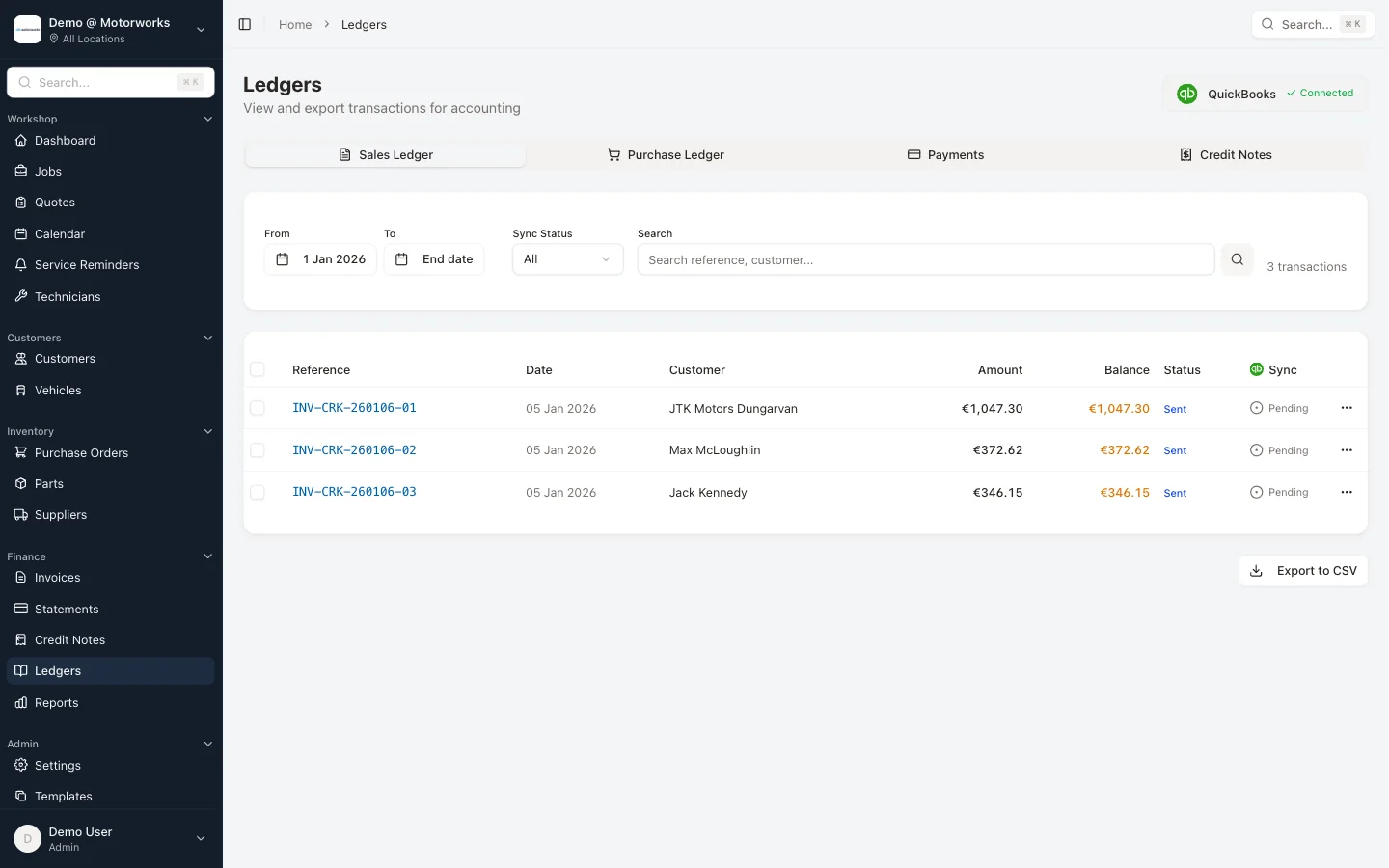
Sales invoices. When you raise an invoice in MotorWorks — built from the job card with parts, labour, and VAT already calculated — it syncs to Big Red Cloud as a sales invoice in the correct customer account. The amounts match. The VAT is correct. Nothing to re-enter.
Credit notes. Issue a credit note in MotorWorks and it appears in Big Red Cloud, linked to the correct customer account and with the right reference. Your accountant sees the full picture without mysteries.
Payment records. When a payment is recorded against an invoice in MotorWorks, that transaction is reflected in Big Red Cloud. The invoice closes in both systems simultaneously.
Customer records. New customers created in MotorWorks sync to Big Red Cloud as debtor accounts. You build your customer base in one place and it’s consistent across both systems.
What stays in MotorWorks
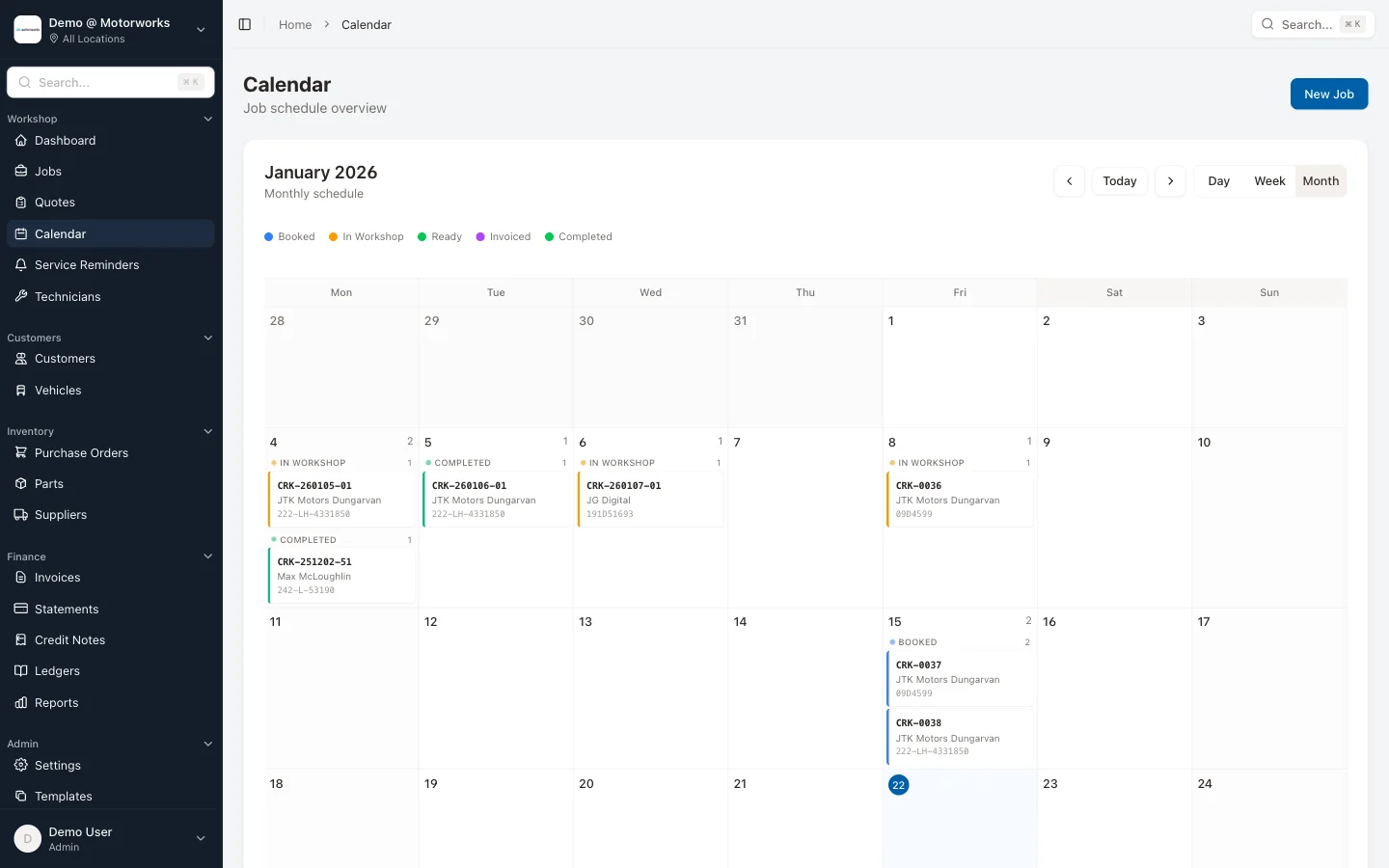
The operational data that Big Red Cloud has no use for stays in MotorWorks: job cards, vehicle history, technician notes, scheduling, quotes waiting for customer approval via the customer portal, purchase orders linked to jobs. Big Red Cloud gets the financial records it needs. MotorWorks keeps the workshop detail.
This is the right split. Your accountant doesn’t need to know that the Focus took three hours longer than quoted or that the brake pads for the Skoda arrived a day late. They need correct invoices, accurate VAT, and clean records. They get exactly that.
What this looks like day-to-day
Morning: job bookings and parts orders
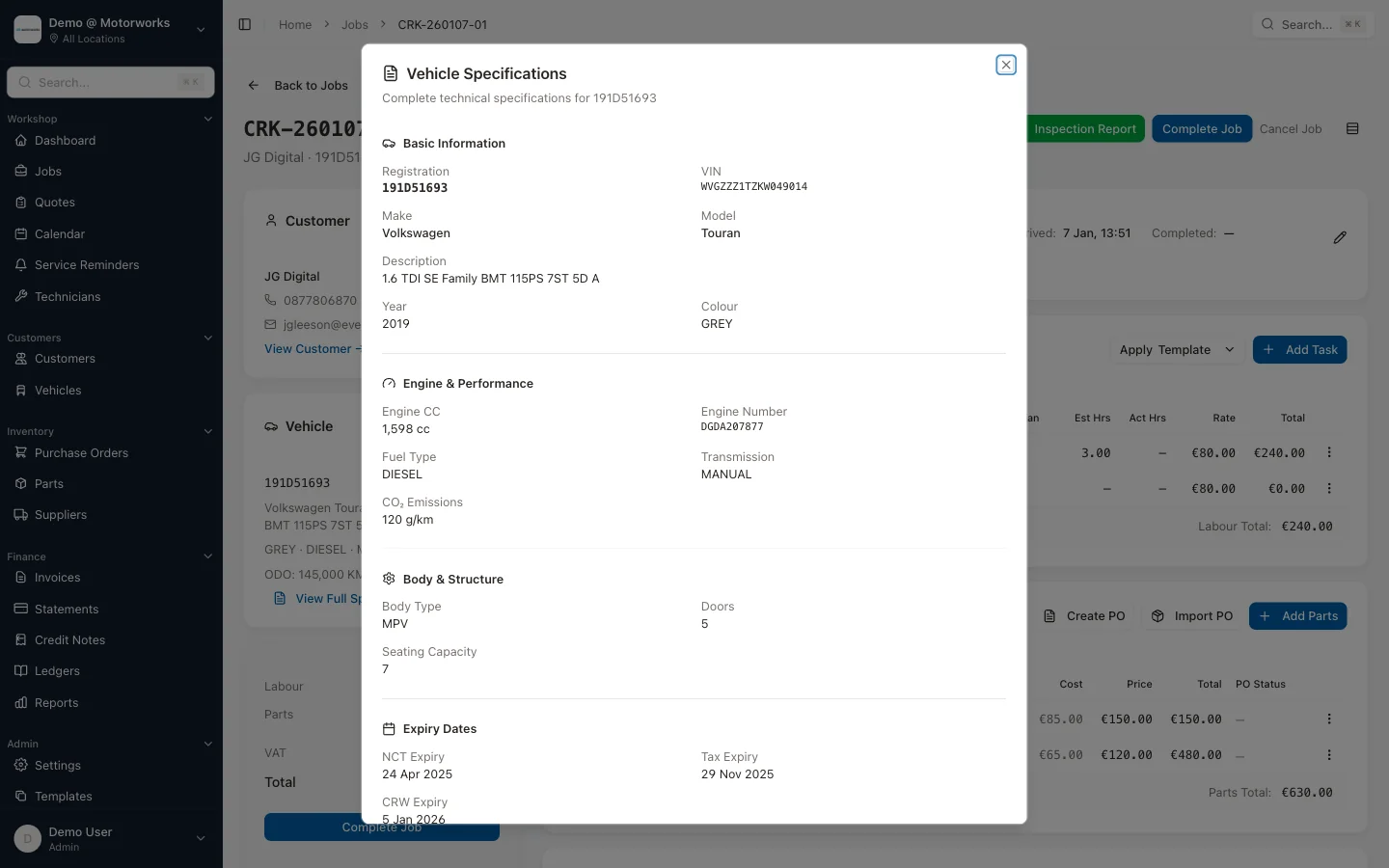
A customer comes in for a full service. You create a job card in MotorWorks — VRM lookup pulls the vehicle details automatically, a job template populates the expected work. You raise a purchase order for the parts you’ll need, linked directly to the job so you can see true margin later.
Nothing goes near Big Red Cloud at this point. The accounts don’t need to know about a booking or a parts order.
During the day: job progress
The technician works through the service. They log time against the job. Any additional work found — say, front brake pads at the limit — gets added to the job card. You send the customer a quote for the additional work through the customer portal, and they approve it on their phone with a simple OTP login.
Still nothing in Big Red Cloud. The operational reality lives in MotorWorks.
Job completion: the invoice moment
The service is done. The technician marks the job complete. You convert the job card to an invoice — parts costs from the purchase order, labour from the time log, VAT calculated correctly. Review it, send it to the customer by email.
That invoice syncs to Big Red Cloud. A sales invoice appears in the customer’s account. The VAT figure is captured. Revenue is recorded for the day.
One entry. Two systems updated.
Payment received
Customer pays by card. You record the payment in MotorWorks. The invoice closes as paid. In Big Red Cloud, the payment posts against the invoice in the customer account. The outstanding balance goes to zero in both systems.
Your accountant, logging in to do a bank reconciliation later, sees a transaction that matches perfectly with a posted invoice. No unexplained entries, no missing invoices, no manual matching.
Month-end: connected vs unconnected
This is where the difference becomes most visible.
Without integration
You run a revenue report from your workshop system. You log into Big Red Cloud and try to match it. Numbers don’t agree — probably because three invoices were edited after the fact, one payment was recorded on the wrong date, and a credit note got entered in one system but not the other.
You spend several hours reconciling. You email your accountant with a summary you’ve manually prepared. They come back with questions. You dig through job cards and invoice histories trying to answer them.
The VAT3 return gets filed, but you’re not entirely confident it’s right.
With integration
You log into Big Red Cloud at month-end. Every invoice from MotorWorks is already there. Every payment is posted. The VAT figures are calculated from real transactions, not estimates.
Your MotorWorks reports give you the operational view — profit per job, technician productivity, revenue by service type, receivables aging, and 15+ other reports. Big Red Cloud gives your accountant the compliance view — VAT liability, aged debtors, P&L.
They’re consistent with each other because they’re fed by the same data. There’s nothing to reconcile because there was never any duplication.
Month-end goes from a problem that takes most of a day to a process that takes an hour. Your accountant stops asking you to explain things. The VAT return is done faster and with more confidence.
Handling trade accounts and fleet customers
If you do work for local businesses — company cars, delivery vans, taxi fleets — you’ll be familiar with the account management complexity. Monthly statements, multiple outstanding invoices, occasional disputes, credit notes when something’s adjusted.
In MotorWorks, trade account customers are tracked through statements and credit notes. At month-end, you can see every customer with an outstanding balance, broken down by invoice and by age. Send statements to all of them at once. The aged debtors view shows who owes what and how long it’s been outstanding.
All of that receivables position syncs to Big Red Cloud. Your accountant sees the same debtor balances. The aged creditor report in Big Red Cloud matches what MotorWorks shows. No discrepancies, no manual reconciliation.
When a trade customer eventually pays — or when you need to issue a credit note to resolve a dispute — both systems update simultaneously. The credit note is numbered correctly, linked to the original invoice, and visible in both places.
For garages not yet on Big Red Cloud
If you’re not yet using Big Red Cloud and you’re considering it, here’s the honest assessment.
Big Red Cloud makes most sense when:
- Your accountant already uses it. This is probably the only strong reason. If your accountant works with Big Red Cloud daily, they’ll be familiar with it, and asking them to switch creates friction. That’s a pragmatic reason to stick with it.
- You have employees on payroll. If you’re running PAYE, PRSI, and USC for a team, having payroll integrated with your accounts is cleaner than running a separate package.
- You need a full double-entry ledger. If your accountant needs more than income-and-expenses reporting, Big Red Cloud provides the structure they’re used to.
If you’re a smaller garage with a straightforward financial structure — or if your accountant is happy to work from exports — you may not need a separate accounting package at all. MotorWorks exports clean CSV data that any accountant can work with, and the invoicing, statements and credit notes, and reporting inside MotorWorks cover a lot of ground. Fifteen-plus reports covering profit per job, technician productivity, receivables aging, and outstanding balances — that’s more financial visibility than most garages get from their accounting software.
The integration with Big Red Cloud exists for garages that already use it or whose accountant requires it. It’s not a requirement for getting value from MotorWorks.
Common questions
Does the sync work both ways?
The primary data flow is from MotorWorks to Big Red Cloud — invoices, credit notes, and payments created in MotorWorks appear in Big Red Cloud. Supplier invoices and payments entered in Big Red Cloud (for parts suppliers, utility bills, etc.) stay in Big Red Cloud. The two systems handle different parts of the business and don’t conflict.
What if I edit an invoice after it’s synced?
If you edit an invoice in MotorWorks — correcting an amount, adding a line item — the updated version syncs to Big Red Cloud. You don’t need to manually update both.
Does my accountant need to do anything differently?
Your accountant works in Big Red Cloud as normal. They’ll notice that sales invoices appear there without needing to be entered manually, and that the VAT figures are already calculated from real invoice data. For most accountants, this is a significant improvement over receiving a spreadsheet at month-end.
What about VAT rates?
MotorWorks applies the correct Irish VAT rates at the invoice level — 23% for parts, 13.5% for labour and services, where applicable. These rates sync to Big Red Cloud correctly, so your VAT3 liability figure is accurate without manual adjustment.
The point of all this
Running a garage is operationally complex. Running the accounts for a garage is financially complex. Trying to do both from a single system — or doing each twice because two systems don’t connect — is where the friction comes from.
The combination of MotorWorks for workshop operations and Big Red Cloud for accounts gives you both without the double-entry. The garage detail stays in MotorWorks. The financial records live in Big Red Cloud. Data moves between them automatically.
You stop spending Thursday evenings entering invoices twice. Your accountant stops asking you to explain discrepancies. Month-end becomes a process rather than an ordeal.
If you want to see how the integration works in practice — including how it fits your specific setup and whether Big Red Cloud is the right accounting partner for your garage — book a demo. We’ll walk through the full workflow and answer any questions about how the two systems would work together for you.
Related reading: Garage Accounting Software: Why Irish Workshops Need More Than Spreadsheets