There’s a difference between software that manages a workshop and software that was designed for a workshop.
Most of what shows up when you search for “workshop management software” was built for dealership networks or multi-brand franchise operations. The feature lists are impressive. The screenshots look slick. The pricing requires a phone call.
And none of it fits how an independent garage actually works.
You don’t need a hundred user roles and permissions. You don’t need integration with a manufacturer’s warranty portal. You don’t need a “customer journey orchestration engine” (yes, that’s a real thing one vendor listed as a feature).
You need to know where every car is, what needs doing to it, and whether you’re making money. That’s workshop management.
What “workshop management” actually means
Strip away the marketing and workshop management software does three things:
- Tracks work — from the moment a car arrives to the moment the customer picks it up
- Organises your team — who’s doing what, what’s coming next, where are the bottlenecks
- Connects work to money — making sure every hour and every part ends up on an invoice
Everything else — reporting, reminders, customer portals, mobile access — is built on top of those three foundations. If the software doesn’t do those three things well, no amount of extra features will save it.
The workshop floor test
Here’s how to evaluate any workshop management software in about ten minutes: imagine your busiest Monday morning and walk through it.
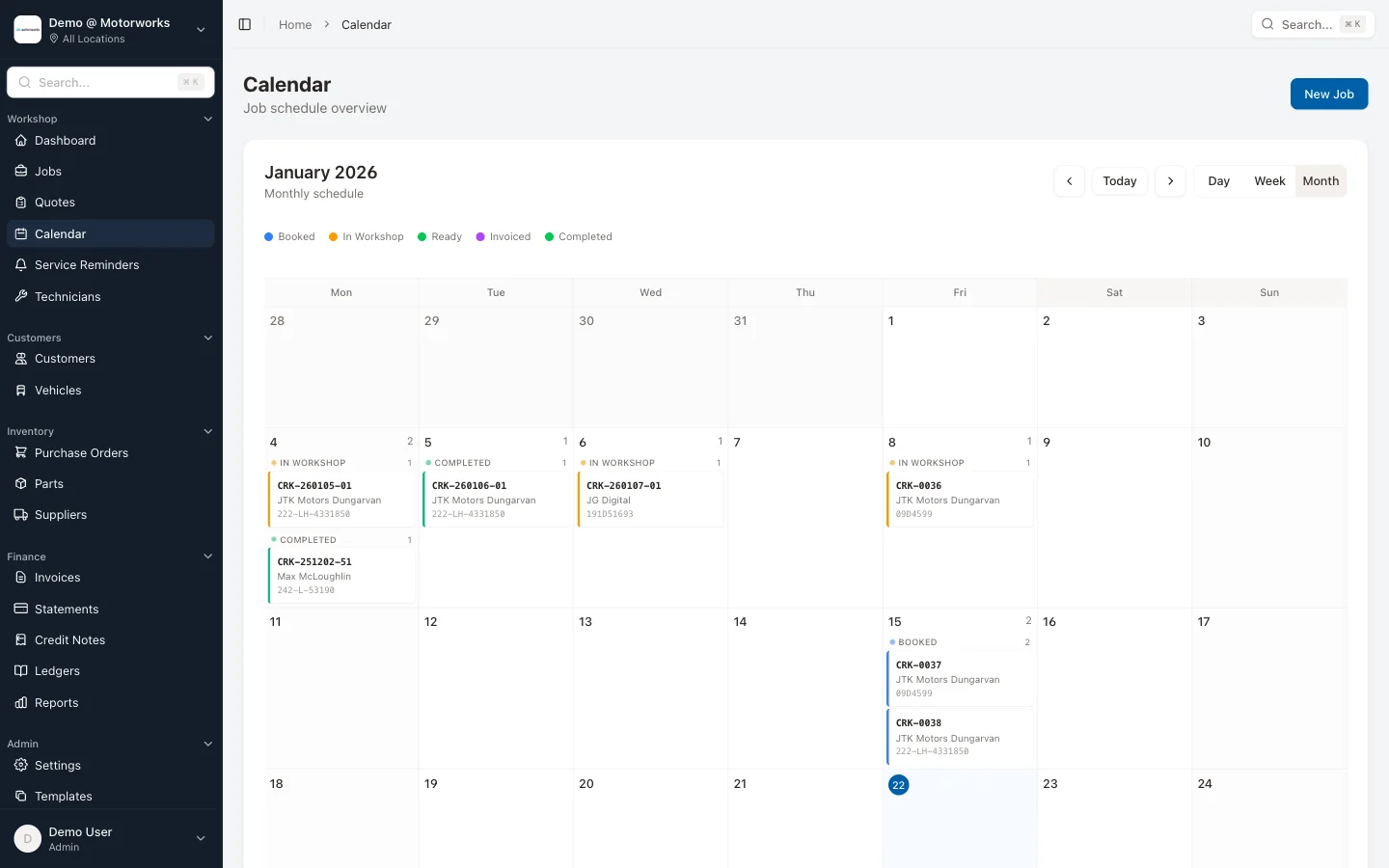
8:30 AM — Three cars are booked in. Can you see all three on one screen? Can you tell which technician each is assigned to? Can you see what work is expected?
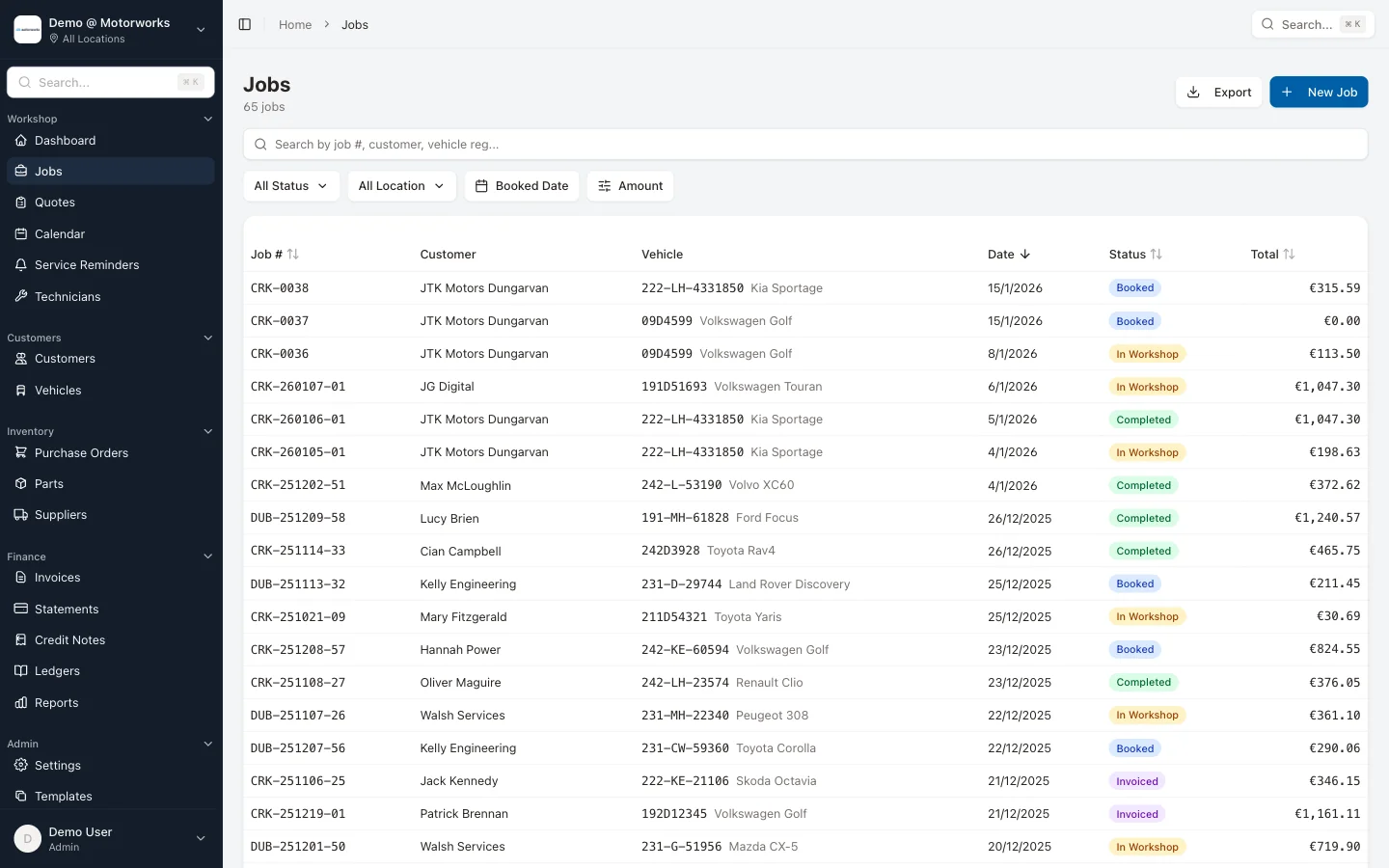
9:15 AM — A customer calls about a car you serviced last month. How quickly can you find their record? Can you see what you did, what parts you used, what you charged? In three seconds or thirty?
10:00 AM — The parts supplier delivers. Can you check the delivery against what you ordered? Can you allocate parts to the right jobs? Does the cost automatically update on the job card?
11:30 AM — A quote needs sending. How many clicks from “customer wants a quote” to “quote is in their inbox”? Can the customer approve it without calling you back?
2:00 PM — An unexpected job walks in. Can you see where you’ve got capacity? Can you add it to today’s schedule without overbooking someone?
4:30 PM — Two cars are ready for collection. Are the invoices done? Can you send them before the customer arrives? Do you know if anything is outstanding?
If the software handles all of that without you needing to switch between five different screens or enter the same information twice, it’s probably fit for purpose.
Job cards: the centre of everything
In a well-run workshop, the job card is the single source of truth. Everything connects to it:
- What the customer reported
- What the technician found
- What parts were ordered
- How long the work took
- What was quoted and what was charged
- Notes for next time
Paper job cards can do most of this, but they can’t be searched, they can’t travel with you, and they can’t connect to invoicing automatically. Digital job cards can. (We wrote a detailed comparison of digital versus paper job cards if you’re weighing up the switch.)
The best workshop software makes creating and updating job cards fast enough that it doesn’t slow down the work. If entering a job takes longer than writing it on paper, something’s wrong. It should take less time, not more — especially with features like job templates for common work types, checklists to standardise inspections, and time logging that tracks actual hours against quoted hours.
Scheduling that prevents chaos
Every garage has the same scheduling problem: Monday and Tuesday are packed, Thursday is quiet, and you don’t know until the morning.
Good scheduling software shows you the week ahead before it happens. Not just bookings, but capacity. How many hours are booked versus available? Is one technician overloaded while another has gaps?
Visual scheduling — seeing the week laid out on a calendar — is one of those things that sounds simple but changes how you run the workshop. When you can see the gaps, you can fill them. When you can see the conflicts, you can resolve them before they become problems.
And when customers can book online through a customer portal rather than having to call during working hours, you fill slots that would otherwise stay empty. No passwords to remember — customers log in with a one-time passcode sent to their phone. The customer who thinks about their car at 9pm? They book right then instead of forgetting to call tomorrow.
Parts: where margins go to die
Most garages lose more money on parts than they realise. Not because they’re buying badly, but because the link between buying parts and charging for them is broken.
Parts get ordered for a job. The job card doesn’t get updated. The invoice goes out without the parts cost. Or the parts are there, but the markup isn’t right. Or the wrong parts were ordered and the return never gets credited.
Purchase orders linked to jobs solve this. Every order is tied to a specific job. The cost flows through automatically. When you invoice, the parts are already there, correctly priced, correctly marked up.
It’s not exciting. But the garage owners who implement this consistently find thousands of euros in margin they were giving away. (For more on improving workshop throughput, see our guide to getting more jobs done without hiring more staff.)
Mobile access isn’t optional
Workshop management software that only works on the office computer misses the point. The workshop isn’t the office. It’s the floor, the ramp, the car park.
Technicians need to update job status without walking to the front desk. You need to check the diary from home when a customer calls at 7pm. The owner checking on things between locations needs to see everything from their phone.
Mobile access — proper mobile access, not a desktop website squeezed onto a small screen — makes the difference between software that gets used and software that gets abandoned because it’s too inconvenient.
Reports: seeing past the busy
The most common thing we hear from garage owners is: “We’re busy, but I don’t know if we’re making money.”
Busy and profitable aren’t the same thing. A workshop running at full capacity on low-margin work is working harder for less. Reports show you where the profit actually is:
- Which service types are most profitable?
- Which technicians bill closest to quoted time?
- What’s your average job value doing over time?
- Where are you leaking margin?
MotorWorks includes 15+ reports covering profit per job, technician productivity, receivables aging, revenue trends, and more. You can’t manage what you can’t measure. And you definitely can’t improve what you can’t see. (For more on which numbers matter most, see our guide to the five numbers every garage should track.)
What independent garages don’t need
Just as important as what to look for is what to ignore. Workshop software built for bigger operations often includes features that add complexity without value for an independent garage:
- Manufacturer warranty integration — unless you’re a franchised dealer, you don’t need this
- Overly complex user permissions — you need sensible roles (admin, manager, reception, finance), not twenty granular permission levels that take a day to configure
- CRM automation — customer relationship management sounds great, but most garages need service reminders, not marketing automation
- DMS integration — dealer management system connectivity is irrelevant for independents
These features aren’t bad. They’re just not for you. And software bloated with features you’ll never use is harder to learn, slower to navigate, and usually more expensive.
The Irish factor
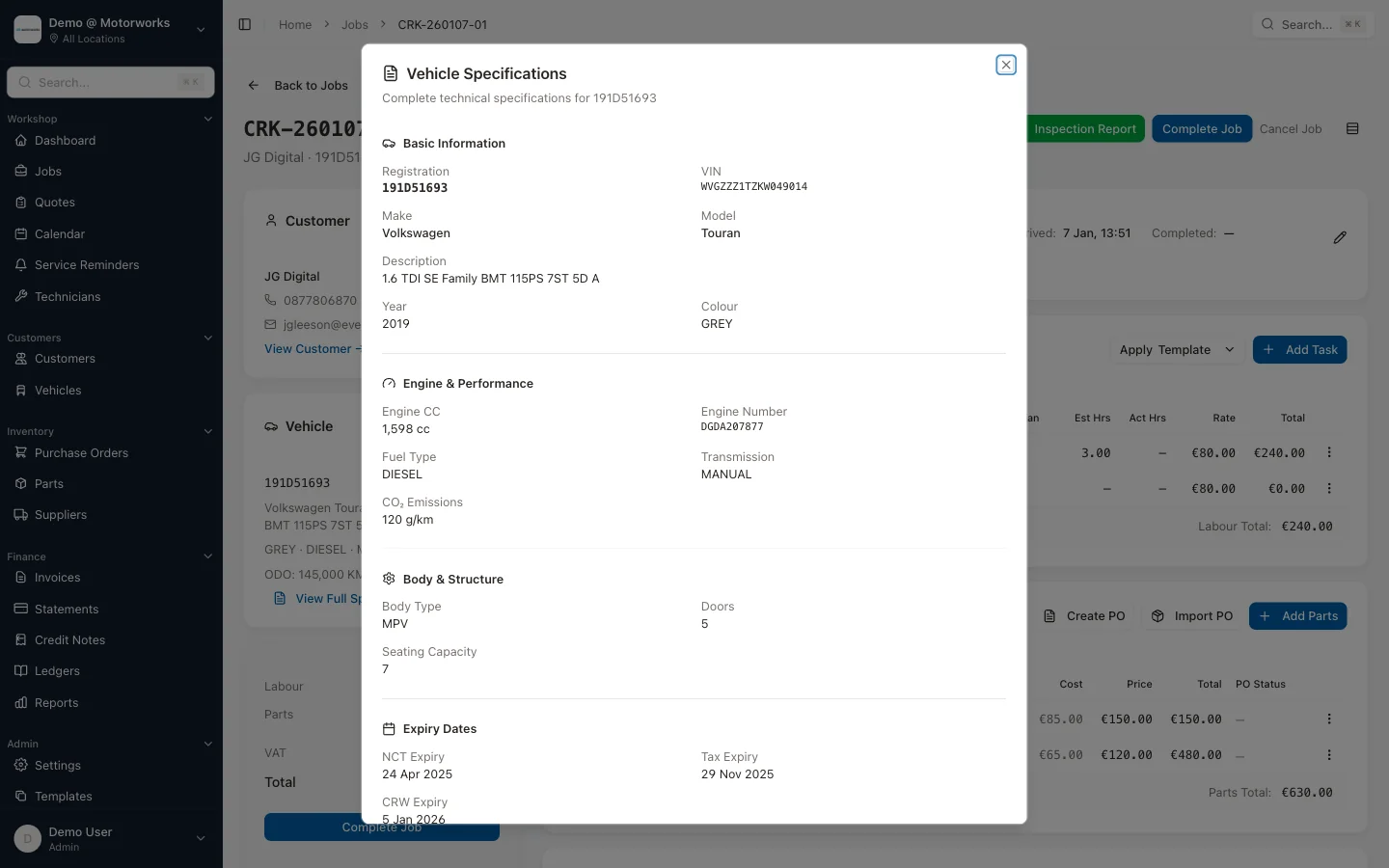
If you’re running a garage in Ireland, you need software that understands your market. The real test isn’t whether it supports the basics like correct VAT rates — any serious software does. The test is whether it was built with your workflow in mind: Irish and UK vehicle registration lookups via providers like Motorcheck.ie and 4tonic, Eircode support, NCT dates pulled automatically, and support in your timezone — not American Pacific or Australian Eastern.
Software that needs “configuring” for the Irish market is software that wasn’t built for you. It’ll mostly work, but the edges will always be rough.
Choosing the right software
If you’re comparing options, our guide to choosing garage management software walks through evaluation criteria in detail. For a look at what’s available in the Irish market specifically, see our 2026 comparison of garage software in Ireland.
The best workshop management software is the one your team will actually use. That means:
- Fast enough that it doesn’t slow down the work
- Simple enough that everyone can learn it in a day
- Complete enough that you don’t need three other tools alongside it
- Flexible enough to fit how you actually work, not how someone thinks you should work
The right software saves you time. The wrong software costs you more time than it saves. And the difference usually comes down to whether it was designed for garages like yours or adapted from something else.
Want to see workshop management software designed for independent garages? MotorWorks was built from thousands of conversations with Irish workshop owners. No dealership features you’ll never use, no complex setup, no American defaults. Book a demo or start a free trial and see the difference.